

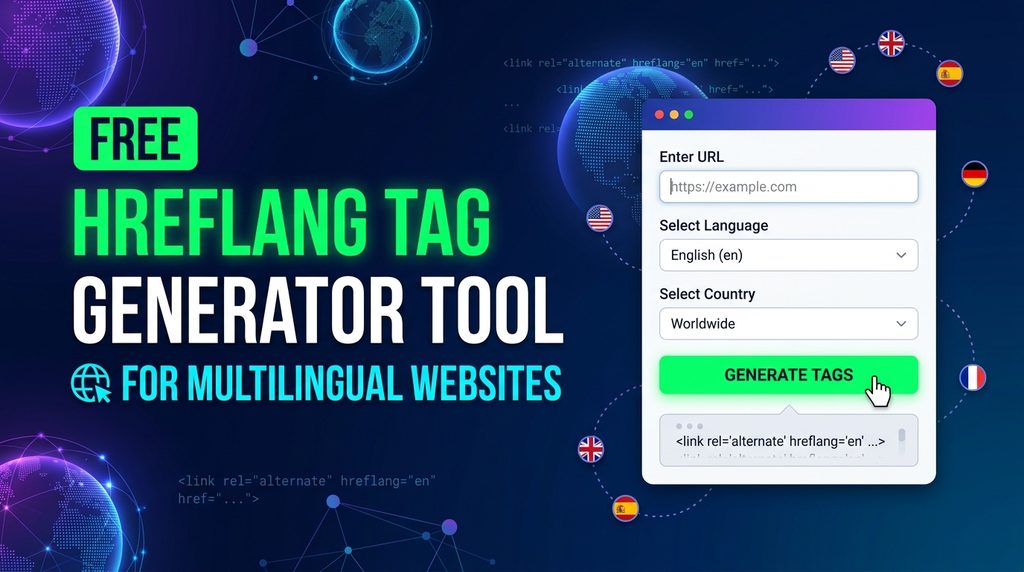
Generate accurate, error Free Hreflang Tag Generator for your website in seconds. Whether you run a multilingual WordPress site, an international e-commerce store, or custom web pages, our free online hreflang generator creates ready-to-use HTML link tags and XML markup that follow official Google SEO guidelines.
Hreflang Tag Generator
Generate HTML alternate link tags with ISO language and region codes for SEO targeting.
Hreflang Configuration
Generated HTML Tags
- Self-Referencing: Include the page’s own language/region in the alternate set.
- Reciprocal links: Every alternative page must link back to all other alternatives (including the default fallback).
- Head tag: Copy and paste these tags into the
<head>section of your HTML document.
What is an Hreflang Tag and Why is it Essential?
An hreflang tag is an HTML attribute that informs search engines about the specific language and geographic region of a webpage. When your website provides content in multiple languages or targets different countries, hreflang annotations prevent duplicate content penalties and ensure visitors land on the version written in their native language.

Without correct hreflang attributes, Google might serve an English page to a Spanish visitor, or rank your UK pricing page for users browsing in the United States.
How to Use the Hreflang Generator (Step-by-Step)
Creating your tags takes less than a minute:
- Enter Your Target URL: Paste the full web address (including https://) of the default page.
- Select Language & Country: Pick the primary language code (ISO 639-1) and target country code (ISO 3166-1).
- Add Language Variations: Click “Add Row” to enter the URLs and language codes for all alternative versions.
- Set x-default: Assign an x-default URL for international visitors whose location does not match any specified country.
- Generate & Copy: Click “Generate Tags” and copy the clean code straight into your website.
Key Features of This Free Hreflang Tag Generator
- 100% Free & Fast: Generate unlimited hreflang tags without registration or paywalls.
- Standards Compliant: Uses official ISO 639-1 format for languages and ISO 3166-1 Alpha-2 format for regions.
- Includes x-default Support: Automatically adds the fallback tag for global and language-neutral traffic.
- Reciprocal Link Validation: Generates complete tag sets for every alternate URL to avoid bidirectional link errors.
- CMS Ready: Fully compatible with WordPress, Shopify, Webflow, Magento, and custom static sites.
Where to Add Hreflang Tags on Your Website
Search engines support three main implementation methods:
1. In the HTML <head> Section
The easiest method for most websites. Paste the generated code directly between the <head> and </head> tags of every targeted page:
HTML
<link rel="alternate" hreflang="en-us" href="https://example.com/" />

<link rel="alternate" hreflang="en-gb" href="https://example.com/uk/" />

<link rel="alternate" hreflang="es-es" href="https://example.com/es/" />

<link rel="alternate" hreflang="x-default" href="https://example.com/" />
2. In Your Multilingual XML Sitemap
If you have a large website with thousands of pages, adding tags to your XML sitemap avoids cluttering the page code and keeps page load speeds optimal.
3. In HTTP Response Headers
Best suited for non-HTML files such as downloadable PDF brochures in multiple languages.
Common Hreflang Mistakes to Avoid
Google Search Console frequently flags multilingual sites for simple setup mistakes. Keep these essential rules in mind:
- Missing Self-Referencing Tag: Every page must include an hreflang link pointing to itself.
- Missing Reciprocal Links: If Page A links to Page B as its Spanish alternate, Page B must link back to Page A as its English alternate.
- Invalid Country or Language Codes: Do not guess abbreviations. Always use two-letter ISO standards (for example, use en-gb instead of en-uk).
- Broken or Redirecting Links: Make sure all alternate URLs return a clean 200 OK status and avoid pointing tags to 301 redirects or 404 pages.
Frequently Asked Questions (FAQs)
What does the X Free Hreflang Tag Generator mean?
The x-default tag tells search engines which page to serve when a user’s location or browser language does not match any of your targeted language versions. It serves as a universal fallback page.
Can I use hreflang tags on WordPress without a plugin?
Yes. You can paste the generated tags into your child theme’s header.php file, inject them using your SEO plugin’s header script section, or add them via Google Tag Manager.
Does hreflang fix duplicate content issues?
Yes. If you have similar content tailored for distinct regions (like English for the US and English for Canada), hreflang clarifies that these pages target different audiences, protecting your site from duplicate content penalties.
Do hreflang tags pass PageRank?
Hreflang tags do not directly transfer link equity like standard hyperlinks, but they help Google index and attribute search visibility to the correct regional landing pages.